
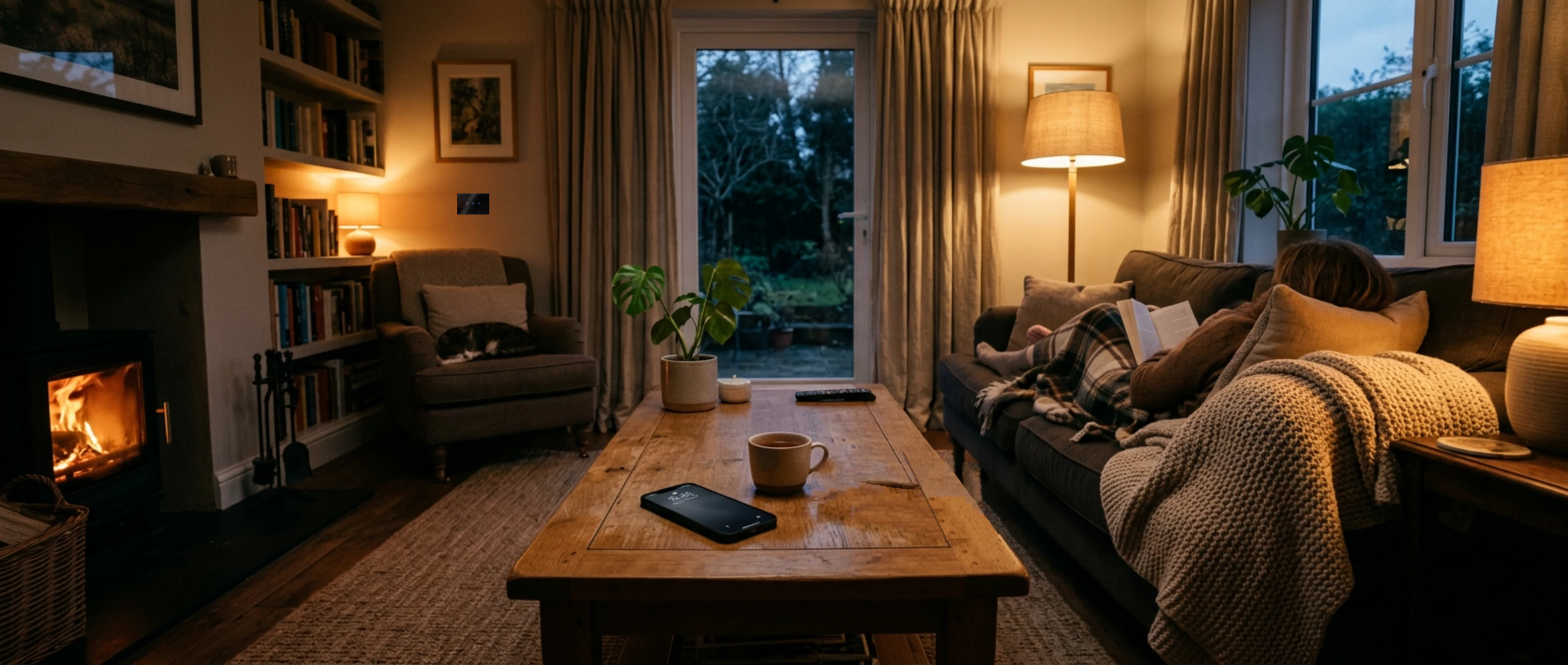
The whole home, in your hand.
One app for the whole home, in English, Hebrew or French, on phone, tablet or computer.
What it does
Lights, shutters, A/C
Control each device, room by room, light by light, with one gesture.
Scenes
“Evening”, “Leaving”, “Night”: several devices with one touch.
Automations
At a set time, at sunrise or sunset, according to the home mode or your presence.
Shabbat and Yom Tov Manager
Shabbat and holiday on/off times, calculated for your city, scheduled once and for all.
Assistant
Ask by text or voice: “turn off the whole living room”, “close the shutters at 10 pm”.
Family and limited access
Each member has their own access; a cleaner, for example, receives a link limited in time and to the chosen rooms.
Without internet
At home, the app keeps working through the router, even if the internet is down.
No manufacturer cloud
Your devices are controlled locally, at home: they do not depend on a manufacturer's cloud, Chinese or otherwise.
The app in detail
Its components, one by one
Rooms and floors
Each room groups its lights, shutters, air conditioning and sockets; rooms are arranged by floor.
Scenes and modes
A scene controls several devices with one press; the home mode changes how the whole house behaves in one gesture.
Automations
Triggered by a time, sunrise or sunset, a device's state, the home mode, your presence or a camera; with conditions and delays.
Scene buttons
A switch can have more buttons than the lights it controls: the extra buttons start your scenes (“Evening”, “Night”, “All off”).
Associations
One switch controls other devices: two-way switching without pulling a cable, several switches for the same light (corridor, stairs), a button that also controls a shutter or a socket. It all happens at home, locally, even without internet.
Shabbat and Yom Tov Manager
The simplest way to programme all of Shabbat and the holidays: you choose what to switch on or off, and when; it creates the automations itself.
Energy
Consumption per device, per day, week and month, in kWh and shekels, peak-hour share and alerts.
Cameras
Live at home and over 4G, snapshot on demand, detected motion as a trigger.
Assistant
Written or spoken, and with Siri on iPhone: “turn off the whole living room”, “close the shutters at 10 pm”.
Members and limited access
Each member has their own access; a cleaner, for example, receives a link limited in time and to the chosen rooms.
Device settings
Switch backlight and child lock, from the device page or in an automation.
For the whole family
English, Hebrew or French; text enlarged in three steps; lock by code or biometrics if you wish.
🕯️ The Shabbat and Yom Tov Manager, made simple
- Ready-made time slots: Friday evening, night, Saturday morning, end of Shabbat; tick the devices and the Manager creates the automations.
- Candle-lighting and havdalah times are calculated for your address, every week.
- Israeli holidays are known in advance; a holiday can replace the Shabbat programme.
- Nothing to reprogramme, and everything runs on the router, even without internet.
Multi-protocol, 100% local, installed in your home
The Sweetch router is the brain of the house. It talks directly to each device, in its own radio or network language, without going through a manufacturer's cloud: everything is decided in your home. Meyer switches exist in both Zigbee and Z-Wave: two mesh radio networks where each mains-powered device relays the others, and an unplugged device shows as offline in the app.
Zigbee
2.4 GHz band, like Wi-Fi, but on narrow channels chosen between the Wi-Fi channels: the two coexist without disturbing each other. Higher data rate (250 kbit/s), open standard, the widest choice of modules and sensors; in a large house, one secondary hub (Slave) per floor, controlled by the main hub (Master).
Z-Wave
Sub-gigahertz band (916 MHz in Israel): no interference with Wi-Fi, better through walls. Lower data rate (100 kbit/s), up to 232 devices per network, products certified by the Z-Wave Alliance, S2 encryption.
KNX
Existing KNX installations: the router talks directly to the KNX bus through its IP gateway and imports the electrician's KNX project.
Local Wi-Fi
Wi-Fi modules and devices already installed, controlled locally on your network, without the manufacturer's app or cloud.
Home Assistant
If the house already runs Home Assistant, Sweetch takes over its devices, locally, and adds what it does not offer out of the box: a simple app for the whole family, the Shabbat and Yom Tov Manager, remote access and backups, an installer to call.
IP cameras
Live image at home and away; detected motion can trigger a scene.
📡 Zigbee and Z-Wave only transmit briefly and at very low power (a few milliwatts): when a command or a change of state goes through, plus short control signals. Wi-Fi, by contrast, transmits all the time.
100% local: what it means
- Commands go from the router to the devices, inside the house: a press responds in under a second.
- Scenes, schedules and Shabbat run on the router; Shabbat and holiday times are computed on site, for your address.
- Internet down: the house carries on, and the app opens at home through the router.
- Internet is only used for secure remote access, the assistant, backups and support.
How it works
The switches
They replace your current switches and talk to each other over a mesh radio network, independent of Wi-Fi.
The Sweetch router
Installed at home, it controls the whole house locally: scenes, schedules, Shabbat. Internet down? The home carries on.
The app
At home or away, on phone, tablet or computer. Remote access goes through Sweetch's secure server.
What if the internet goes down?
The Sweetch router is in your home: switches, scenes, schedules and Shabbat keep running. At home, the app keeps working through the router. Only remote access and the assistant wait for the internet to come back.
Let's talk about your home.
A question, a plan, a photo of your electrical panel: write to us.
Write on WhatsApp