
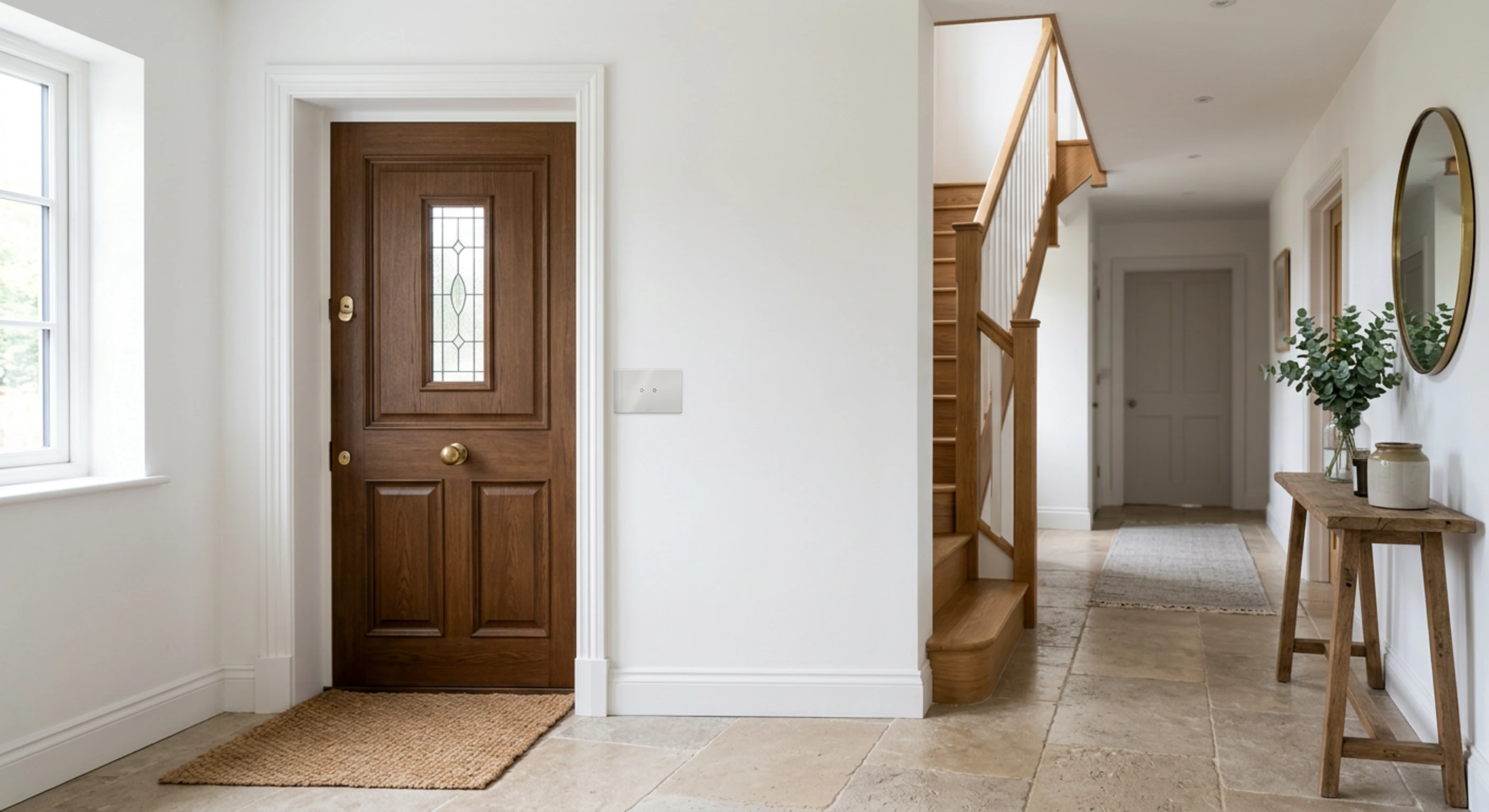
Already equipped? Sweetch fits in with your home.
Do you already have Home Assistant, or Smart Life (Tuya) devices? No need to take everything apart: choose your case.
Keep Home Assistant. Add the home the whole family understands.
Sweetch installs inside your Home Assistant, on the same machine, without removing anything. Your devices stay where they are; Sweetch controls them through Home Assistant, locally.
You keep
- Home Assistant and its integrations
- Your devices, whatever their protocol
- Your dashboards and settings
- The freedom to stop: Home Assistant carries on without Sweetch
Sweetch adds
- The Shabbat and Yom Tov Manager: times calculated for your address, holidays known in advance
- A simple app in English, Hebrew and French, for every family member and your guests
- Scenes and automations, in a few gestures
- Secure remote access and backups
- An installer to call
What Sweetch takes over
- Lights
- Switches
- Shutters (position and stop when they declare them)
- Home Assistant virtual switches
- KNX homes: Sweetch talks directly to the bus
Everything stays at home
Sweetch talks to Home Assistant on the same machine, without going through the internet. Scenes, schedules and Shabbat run on site.
Requirements: Home Assistant OS or Supervised. Installation and commissioning by your Sweetch installer.
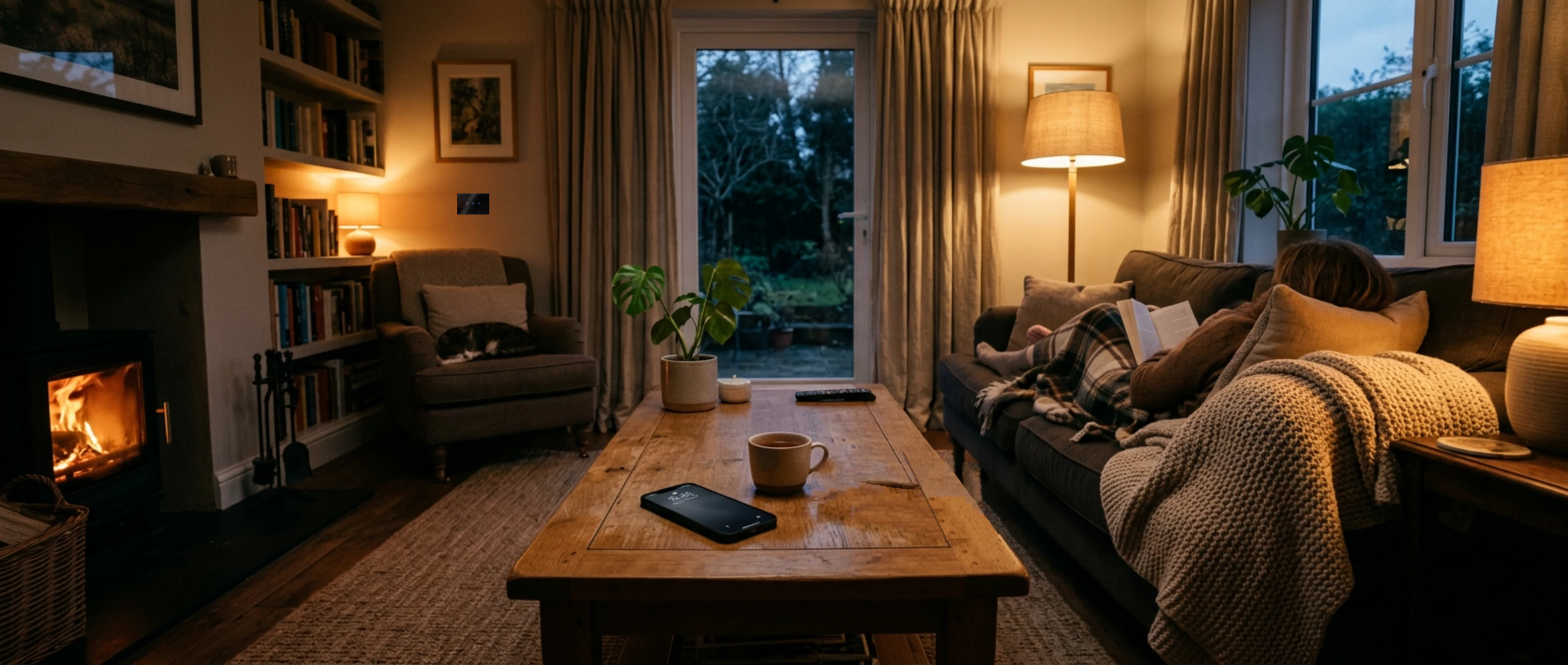
From Smart Life to Sweetch
Keep the devices that can be kept, and get a home that keeps working when the internet drops, with Shabbat set once and for all.
| Typical cloud app | Sweetch | |
|---|---|---|
| Where it runs | Usually in the manufacturer's cloud | On the Sweetch router, in your home |
| When the internet goes down | Remote access and cloud automations stop | Switches, scenes, schedules and Shabbat keep running |
| Shabbat and holidays | Timers to reprogram | Candles and havdalah calculated for your address, holidays known in advance |
| Who answers | An app | Your installer, within reach |
| The family | One shared account | One access per member, plus guest access |
In all transparency: Sweetch also uses the internet, for remote access and for the assistant. The difference is that your home does not depend on it.
And your devices?
Zigbee devices
They move to the Sweetch router and then run fully locally.
Tuya WiFi devices
Many can then be controlled locally, after retrieving their key once.
Other models
Studied case by case: kept or replaced.
Wall switches
Kept, or replaced with the Meyer glass or acrylic collection.
Every model is checked during a visit, before any promise. The move is done room by room: the house is never half switched off.
Not sure which case you are in?
Send us a screenshot of your app or a photo of your devices: we will tell you what can move to Sweetch.
Write on WhatsAppSmart Life and Tuya are trademarks of their respective owners. SweetchOn is neither affiliated with nor a partner of Tuya. The comparison describes common use; it may vary with devices and configuration.